See
View review-related settings and tools for your Business Profile.
Explore the review tools available for your Google Business Profile, invite customers to share their experience, and respond publicly.
WhoRatesMe works with a verified Business Profile and the official review tools Google provides.
These tools help you manage your profile within Google’s rules.
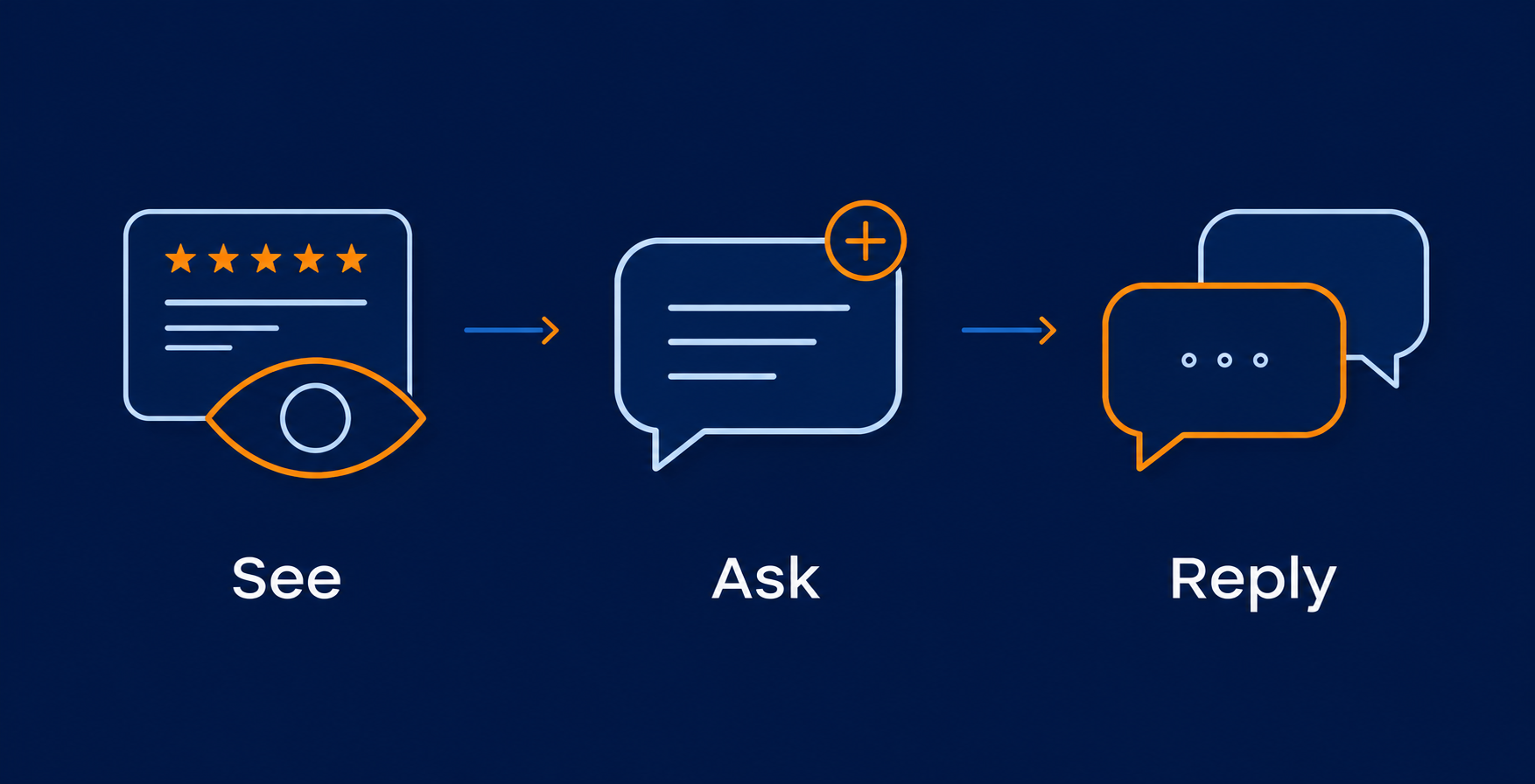
View review-related settings and tools for your Business Profile.
Invite customers to share their experience with your business.
Respond publicly using Google's review tools.
These are the review-related settings and tools Google documents for a Business Profile. They are not a way around the rules. They are how you manage a real profile. WhoRatesMe works with a verified profile and the official review tools Google provides.
Before you can reply to reviews, you must verify your business. After verification, you can reply on your Business Profile. Reviews are available only in certain countries or regions and for certain business categories. Availability can change over time.
WhoRatesMe connects to a Business Profile you have already verified. Verification stays with you in Google.
Source:Manage customer reviews
Inside the Business Profile, under Read Reviews and then Get more reviews, you can copy a review link or download a QR code. Google says you can share that link or code on receipts, in thank-you emails, at the end of a chat, or in the store. You can also send a review request by email, WhatsApp, or a Facebook post. The same incentive rule still applies. A link does not make a paid or filtered ask legal.
WhoRatesMe can send that official Google link or QR code in a neutral invitation after the visit is done. The same incentive rule still applies.
Source:Create a Google link or QR code to request reviews
Google lets you choose Business Profile notifications. One of them is customer activity: alerts when customers leave new reviews or add photos. You may get these by email, Search, or Maps. Even if you turn some notifications off, Google says you may still get important updates.
WhoRatesMe also notifies you when a connected review arrives, so you can see it in the same inbox with reviews from other sites.
Source:Manage your notifications
An owner can invite other people as owners or managers. Google says additional owners and managers can help with daily operations, including responding to reviews. A third party still needs the owner’s express consent to manage the profile, and explicit approval to reply to reviews. Verbal consent is not enough for replies.
WhoRatesMe requires your approval before a reply posts. You remain the one who decides what is said.
Source:Manage your Business Profile owners & managers · Business Profile third-party policies
From the Business Profile, select Read reviews. Next to a review, select Reply. Google reviews the reply before it posts, usually within about 10 minutes, sometimes up to 30 days. If approved, the reply is public under the review. It appears as the business, not as your personal name. The reviewer is notified and can still change their review. You can also edit or delete your own reply.
WhoRatesMe can draft the reply for you. You edit it and approve it. Nothing posts until you do. You can still edit or delete the reply later in Google.
Source:Manage customer reviews
From the Business Profile, next to a review, select Report, choose a reason such as Spam or Profanity, and send. You can also use the Reviews Management Tool. Only reviews that violate Google’s policies are eligible for removal. If a flag is denied, you may submit a one-time appeal for up to 10 reviews.
WhoRatesMe does not remove reviews. Reporting stays with you in Google’s tools. WhoRatesMe only helps you see the review and draft a reply if you choose to respond.
Source:Report inappropriate reviews on your Business Profile
None of these settings let you hide bad reviews, filter who is asked, or buy a better score. They only help you see, ask, reply, and report within Google’s rules.

WhoRatesMe does not add a way around those limits. It asks after a real visit, asks everyone the same way, and lets you approve every reply.
14 days. No credit card required.
Follows Google’s rules · One inbox · Same ask every time